Note: This is a plugin designed for RISE – Ultimate Project Manager & CRM. It is not a separate script.
Overview
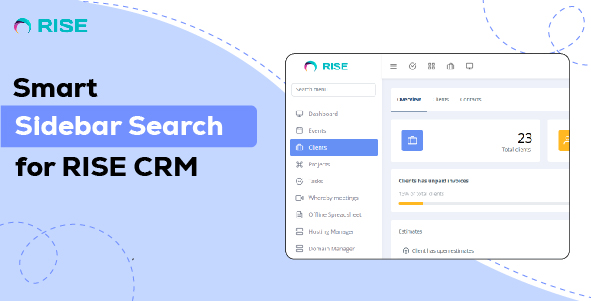
Enhance your RISE CRM navigation experience! RISE Quick Menu Finder is a powerful plugin that allows users to instantly search for menu items and automatically expand submenus when a match is found. No more manually scrolling through long menus—just type, find, and go!
Key Features :
- Instant Menu Search : Quickly locate any menu item in RISE CRM with real-time filtering.
- Seamless Integration: Works flawlessly with the RISE CRM sidebar menu.
- Lightweight & Fast : Optimized for performance without slowing down your CRM.
- Easy Installation: Plug and play setup with a simple activation process.
Why Use RISE Quick Menu Finder?
- Saves time by eliminating manual menu navigation.
- Improves workflow efficiency for admins and staff.
- Works with both default and customized RISE CRM menus.
Demo URL and Credentials:
Explore the module with our live demo:
Installation Guide:
- Log in to RISE – Ultimate Project Manager & CRM as an administrator.
- Navigate to Settings > Plugins.
- Install the upload.zip which you have downloaded from the Envato Market with a valid purchase code..
- If everything is OK, it’ll show a success message.
- Activate the plugin from the option dropdown.
- You’re all set!